Blog
ChatGPT and DTF Printing

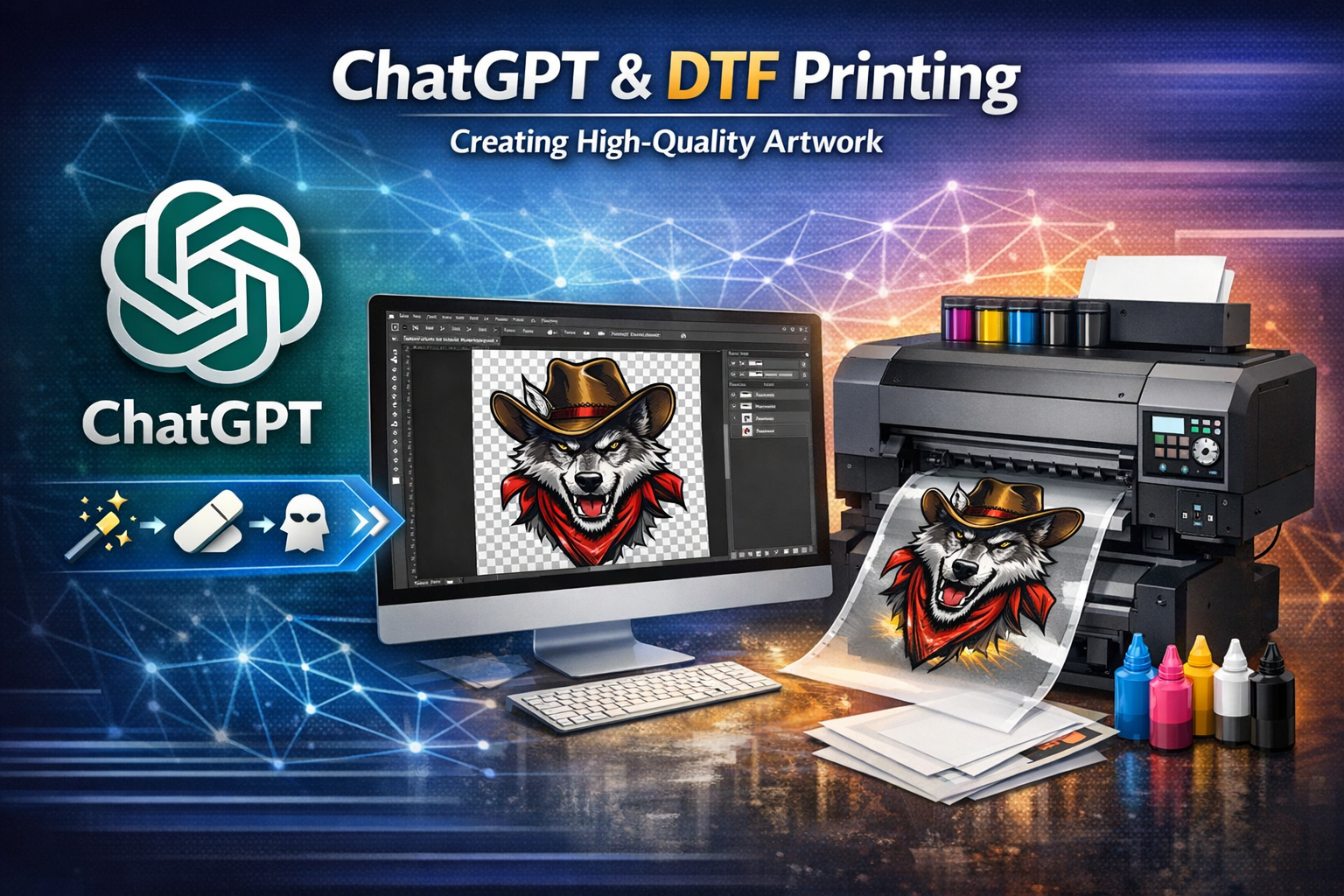
How ChatGPT and DTF Printing Work Together to Create High-Quality Artwork
In the world of custom apparel and digital printing, speed, quality, and consistency are everything. As Direct to Film (DTF) printing continues to grow in popularity, print shops are looking for smarter ways to prepare artwork that prints clean, presses well, and looks professional on garments.
One of the most powerful tools emerging alongside DTF printing is ChatGPT. When used correctly, ChatGPT acts as a creative and technical assistant—helping designers, print shops, and customers turn rough images into print-ready artwork faster than ever.
The Role of ChatGPT in Artwork Preparation
ChatGPT is more than just a writing tool. In a print workflow, it can be used to:
- Improve and refine customer-submitted artwork
- Generate precise image cleanup instructions
- Assist with background removal and enhancement tasks
- Standardize print-ready specifications for DTF production
- Reduce back-and-forth communication with customers
Instead of guessing how an image should be prepared, ChatGPT helps define exact technical requirements that ensure artwork meets professional printing standards.
Why Clean Artwork Matters for DTF Printing
DTF printing relies heavily on clean edges, proper transparency, and high resolution. Poorly prepared images can lead to:
- Rough or jagged edges
- Unwanted background ink
- Blurry or pixelated prints
- Poor adhesion during heat pressing
By combining ChatGPT with professional image-editing tools (such as Photoshop or Illustrator), artwork can be optimized before it ever hits the printer, saving time, materials, and money.
ChatGPT + Professional Tools = Better Results
When ChatGPT is instructed correctly, it can guide the image cleanup process using industry-standard methods comparable to Adobe Photoshop and Illustrator. This ensures:
- Backgrounds are removed cleanly
- Details are sharpened without distortion
- Colors remain vibrant and print-accurate
- Final files are correctly sized and formatted
This creates a seamless workflow where AI guidance and professional design techniques work together to produce consistent, high-quality DTF artwork.
DTF Image Cleanup Prompt (Free to Use)
Below is a proven prompt you can use with ChatGPT when uploading artwork that needs to be cleaned up and prepared for DTF printing:
Image Cleanup & DTF Print-Ready Prompt
Task:
Please clean up and professionally enhance the uploaded image for DTF (Direct to Film) printing.
Requirements:
- Enhance overall image quality and clarity
- Sharpen details and edges without introducing artifacts
- Remove all JPEG artifacts, noise, and unwanted halos
- Completely remove the background and leave it fully transparent
- Preserve all original design details and edges (no cropping or cut-offs)
Output Specifications:
- Final format: PNG
- Resolution: 300 DPI
- Width: 12 inches, maintaining original proportions
- Color mode suitable for print (accurate, vibrant, and clean)
- Ready for professional DTF printing
Tools & Methods:
- Use any necessary professional image-editing techniques or tools equivalent to Adobe Photoshop and/or Adobe Illustrator
- Perform vector refinement where beneficial, but deliver the final result as a high-quality raster PNG
- Ensure smooth edges, clean transparency, and print-safe detail integrity
Final Check:
- No visible background pixels
- No compression artifacts
- Clean edges suitable for heat-transfer printing
- Print-ready with no additional editing required
The Future of DTF Printing Is Smarter, Not Harder
By integrating ChatGPT into the DTF workflow, print shops can:
- Speed up production
- Improve artwork consistency
- Reduce customer revisions
- Deliver higher-quality prints every time
DTF printing isn’t just about the printer—it’s about the artwork that feeds it. When AI-assisted preparation and professional print standards work in sync, the result is cleaner transfers, better presses, and happier customers.
If you’re looking to elevate your DTF output, embracing tools like ChatGPT is no longer optional—it’s the next step forward.